How Dental Clinics Can Use WhatsApp Business to Improve Patient Communication
WhatsApp Business is free, familiar to patients, and can dramatically cut no-shows when used for appointment reminders, post-treatment follow-ups, and query management. Dr. Aditya Swami outlines how dental practices can set it up and use it professionally.
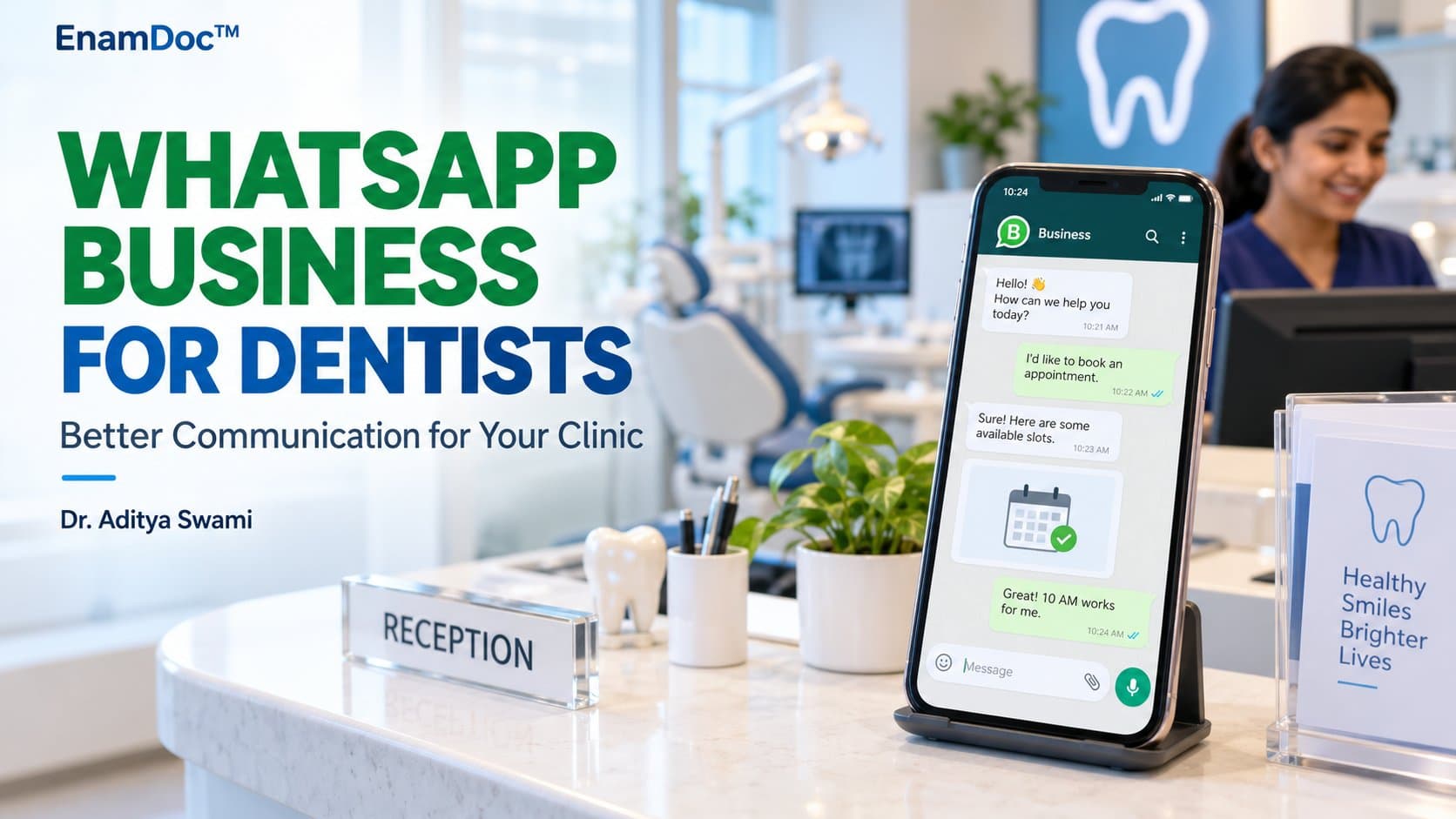
A dental appointment takes 30 to 60 minutes to deliver and often weeks to schedule. When a patient does not show up — or calls to cancel at the last minute — the impact on clinic revenue and clinical flow is immediate. Research from primary care settings consistently shows that WhatsApp or SMS reminders reduce no-show rates by 20–30%. In India, where WhatsApp has more than 500 million active users, it is the default communication channel for most patients regardless of age, location, or digital literacy.
WhatsApp Business, the free version designed for small and medium businesses, gives dental practices a structured and professional way to use this channel — without the privacy risks of using a personal number or the cost of third-party reminder software.
WhatsApp vs WhatsApp Business: What Is Different
The standard WhatsApp app is fine for personal use but creates problems in a clinical context: your personal number becomes a work number, you cannot set business hours, there is no way to create message templates, and patients cannot distinguish your practice from a personal contact.
WhatsApp Business resolves each of these. A dedicated business number is listed under your clinic name, complete with address, opening hours, website, and a short description. The app supports quick replies (pre-saved responses to common questions), away messages (automatic responses outside hours), and greeting messages (automatically sent to new contacts). These features alone can handle 60–70% of routine inbound queries without staff involvement.
Setting Up WhatsApp Business for Your Dental Practice
Register a Dedicated Business Number
Download WhatsApp Business — free on Android and iOS — and register with a number that is not already on regular WhatsApp. Use a dedicated clinic SIM or a VoIP number, not the dentist's personal number. The account is tied to that number permanently unless formally transferred, so this decision matters.
Complete the Business Profile
Go to Settings → Business Profile and fill in your clinic name exactly as it appears on your signage, select the category Health/Medical, add your address with a Google Maps link, set your business hours, and write a 256-character description that includes your specialisation. A complete profile builds immediate trust — patients are far more likely to engage with a profile that looks legitimate than one with a blank description and no address.
Set Up Automated Messages
In Settings → Business Tools, configure three automated messages. A greeting message is sent when a patient contacts you for the first time. An away message is sent outside business hours, stating when you will respond. Quick replies are pre-saved responses to your five most common queries — appointment availability, fees, clinic location, parking, and what to do in a dental emergency. These take under an hour to set up and save significant receptionist time from the first week.
Optional: Create a Services Catalogue
WhatsApp Business allows a catalogue of up to 500 items. Dental practices can list key services — orthodontics, implants, teeth whitening, root canal treatment — each with a short description and indicative price range. Patients researching before calling find this highly useful, and it significantly reduces the volume of fee-related calls.
Using WhatsApp Business for Appointment Management
Appointment Reminders
Send a reminder 24 hours before the appointment with a clear, short message: "Hello [Name], this is a reminder from [Clinic] that you have an appointment tomorrow at [Time] with Dr. [Name]. Reply YES to confirm or call us at [Number] to reschedule." A two-stage reminder — 48 hours and 2 hours before — reduces no-shows further. For practices with higher volumes, this can be semi-automated via the WhatsApp Business API through a third-party CRM (more on this below).
Post-Treatment Follow-Up
A follow-up message 24 hours after a procedure is one of the highest-value things a dental practice can do for patient retention and satisfaction. "Hi [Name], hope you are feeling comfortable after your procedure yesterday. If you notice any unusual pain or swelling, please call us or visit our emergency line. Your next appointment is on [Date]." This message costs nothing, takes seconds to send, and patients remember it — and they remember the practice that sent it.
Recall Campaigns
Patients who have not visited in six months can be contacted with a brief recall message: "Hi [Name], it has been a while since your last check-up at [Clinic]. Regular visits help catch problems early — would you like to book a cleaning and exam this month?" Keep these short, personalised, and sent individually rather than as a broadcast to contacts who have not opted in, to avoid being marked as spam.
Compliance and Patient Privacy
Before messaging patients on WhatsApp, obtain explicit written consent. This is both a professional obligation and, under India's Digital Personal Data Protection Act 2023, a legal one. At the point of registration, include a line on the patient intake form: "I agree to receive appointment reminders and health communications from [Clinic] via WhatsApp on the number provided." Retain a record of this consent.
Never send clinical information — diagnoses, prescriptions, X-ray images, or treatment plans — over WhatsApp. These require a level of data security and audit trail that WhatsApp Business does not provide. Restrict WhatsApp to appointment logistics and general follow-up messages only. For clinical exchange, use secure patient management software or communicate in person.
When to Upgrade to the WhatsApp Business API
The free WhatsApp Business app is limited to one device and one user at a time, which is sufficient for small practices with one receptionist. If your clinic has multiple staff who need to respond simultaneously, or if you want automated CRM-triggered reminders at scale, you need the WhatsApp Business API, accessed through an approved Business Solution Provider (BSP). Indian providers such as Interakt, AiSensy, and Wati offer entry-level plans starting at approximately ₹2,000–₹5,000 per month, with template approval, multi-agent inboxes, and CRM integration included.
Conclusion
WhatsApp Business is arguably the most cost-effective patient communication tool available to Indian dental practices today. The free tier is powerful enough for most single-chair and small multi-chair clinics. Practices that implement it with a clear protocol — consent obtained, templates consistent, follow-up standardised — will see measurable improvements in appointment adherence, patient satisfaction, and recall rates within the first quarter. The investment is minimal; the return on professional relationships is significant.
Frequently asked
Frequently asked questions
Is it safe to send patient appointment reminders via WhatsApp?
Yes, sending basic appointment reminders over WhatsApp Business is acceptable — the message should contain only the date, time, clinic name, and a callback number. Do not use WhatsApp to send clinical information such as diagnoses, X-ray images, prescriptions, or detailed treatment plans. These require a higher level of data security and an audit trail that WhatsApp does not provide. Always obtain written consent from the patient before initiating WhatsApp communication, and record that consent in the patient file. Under India's Digital Personal Data Protection Act 2023, processing personal data without consent is a legal violation, not just a professional one.
Can I use my personal WhatsApp number for patient communication?
It is strongly discouraged. Using a personal number means patients will retain your personal contact information indefinitely, you cannot separate clinical and personal messages, there are no business-hour settings or auto-replies, and the account cannot easily be transferred to a receptionist or successor. Register a dedicated clinic SIM or VoIP number with WhatsApp Business instead. This protects your personal privacy, looks professional to patients, and allows the account to be managed by reception staff without giving them access to your personal phone. Once a number is registered with WhatsApp Business, it cannot be used on regular WhatsApp simultaneously, so the separation is clean from day one.
- WhatsApp Business
- patient communication
- dental clinic
- appointment reminders
- practice management
- dentists
Keep reading